
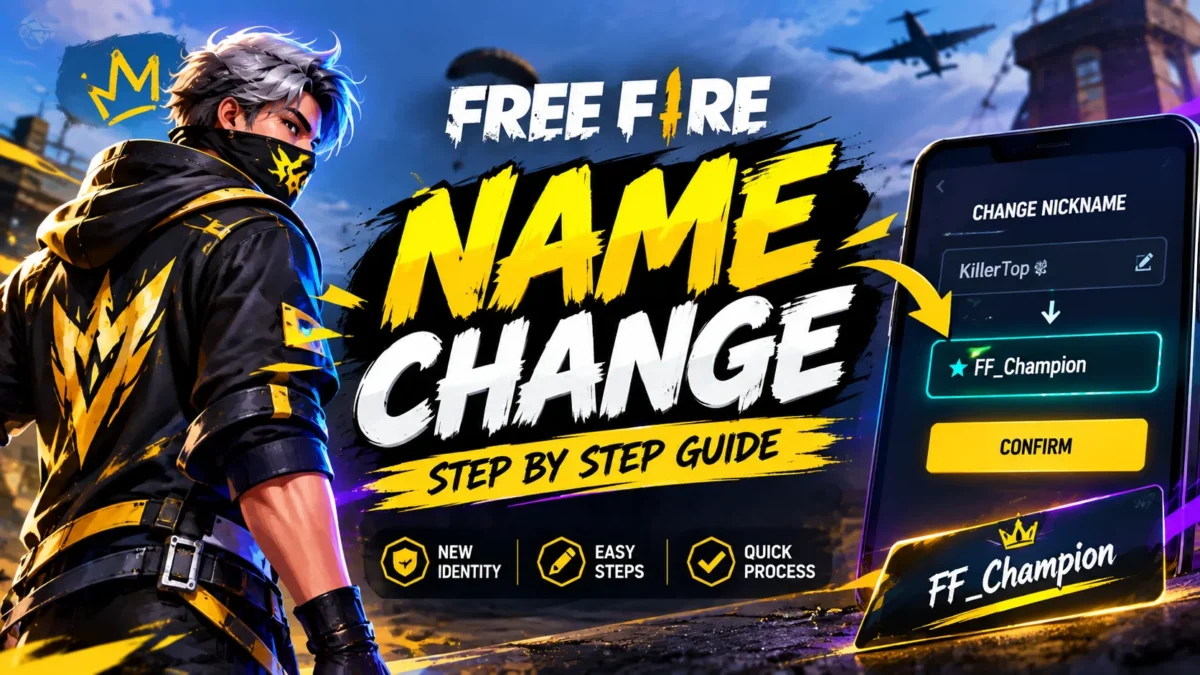
Short answer: To change your name in Free Fire, tap your avatar in the top-left of the lobby, tap the pencil/edit icon next to your nickname, type or paste your new name (max ~12 characters), and confirm using a Name Change Card or 390 diamonds. The cheapest route is a Name Change Card crafted from your guild for 39 diamonds + 200 Guild Tokens — about 90% cheaper than a direct rename. This guide covers every step, the real 2026 costs, stylish and blank names, and how to fix the dreaded “Nickname Already Exists” error.
Last updated: [MONTH YEAR]. Costs can shift with events and updates — always confirm the exact price on the in-game confirm screen before you pay.
How to change your name in Free Fire (step by step)
The rename option lives in your profile — not the settings menu, which is where most people get stuck. Here’s the exact flow:
- Open Free Fire (or Free Fire MAX) and wait for the lobby to load.
- Tap your avatar in the top-left corner to open your player profile.
- Tap the yellow pencil / edit icon next to your current nickname. (If you only see a settings gear, back out — you’re in the wrong place.)
- Type or paste your new name. Most players paste a ready-made stylish name here rather than typing symbols by hand.
- Confirm using a Name Change Card or the diamond cost shown. The new name goes live instantly.
The process is identical in Free Fire and Free Fire MAX, and changing your name doesn’t reset your rank, level, skins or progress.
How much does a Free Fire name change cost?
There are two ways to pay, and the price difference is huge:
| Method | Cost | Best for |
|---|---|---|
| Direct rename (from profile) | 390 diamonds | Fastest option — no guild or tokens needed |
| Name Change Card (guild exchange) | 39 diamonds + 200 Guild Tokens | Cheapest — ~90% less in diamonds |
| Name Change Card (events / rewards) | Free (when available) | Patient players who can wait for a drop |
A note on conflicting figures: some older guides list the direct rename at 800 diamonds. As of 2026 the standard in-game cost is 390 diamonds, and event prices can vary. Diamonds and token amounts occasionally shift during promotions, so treat the numbers above as the current baseline and verify the exact figure on your confirm screen. Your guild (clan) name is a separate, leader-only change with its own cost (a Guild Rename Card or diamonds) — don’t confuse it with your personal nickname.
The cheapest way to change your name (Guild Token method)
If you’re not in a rush, this is the smartest move. Being in an active guild lets you craft a Name Change Card for a fraction of the diamond cost:
- Join an active guild (it’s free and takes about two minutes) or create your own.
- Complete guild missions and daily tasks to earn Guild Tokens.
- Once you have 200 Guild Tokens + 39 diamonds, open the in-game Store → Exchange / Redeem → Guild Token section.
- Find the Name Change Card and tap Exchange. The card goes straight to your inventory.
- Open your profile, tap the edit icon, enter your new name, and choose “Use Name Change Card” instead of paying diamonds.
Because Guild Tokens are earned by playing rather than paying, this is the closest thing to a “name change without diamonds.” Join a guild well before you need a rename so the tokens are ready.
How to get a Free Fire Name Change Card for free
Garena hands out Name Change Cards through several legitimate channels. None are guaranteed, but if you’re patient you can rename for free:
- Events & login missions — the most consistent free source, especially around anniversaries and big OB updates. Watch the in-game Events tab and Garena’s official regional pages.
- Dynamic Duo / friendship rewards — reaching certain friendship milestones with a partner can grant a card.
- Luck Royale Ring exchange — a card sometimes appears among Ring exchange rewards (roughly 40 ring tokens when featured).
- Mystery Shop — this recurring event can offer the card at a personalized discount.
- Redeem codes & newbie sign-in gifts — occasionally include a card, though not often.
What doesn’t work: there are no glitches, generators or “free name change hacks.” Every such claim is dead, fake, or a scam trying to steal your account. Stick to the in-game methods above.
Free Fire name character limit and stylish names
The nickname limit is around 12 characters — and every symbol, emoji and letter counts. This is the number one reason names come out looking broken. Two rules save you diamonds:
- Count before you paste. Drop your name into a character counter or notes app first. If it’s over the limit it gets truncated and usually looks broken, not just shorter.
- Test how it renders. Send the name to yourself in guild chat and compare it against your notes before spending anything — a fancy symbol that looks great on your phone can appear as an empty box on someone else’s device.
For stylish names, players typically use special Unicode fonts (bold, script, small caps, fraktur) and simple decorative symbols. Keep it readable: one clean style beats stacking every symbol you can find. Popular patterns are one or two accent symbols around a short, readable word (for example, a divider like 乂 or a crown around a name).
How to make a blank or invisible name in Free Fire
A fully blank nickname is possible, but a normal keyboard space is blocked in the rename box. The trick is to paste a special invisible Unicode character instead of a space:
- Copy an invisible character (the Hangul filler ㅤ is the most widely used).
- Paste it into the rename box — once on its own for a fully blank name, or between words to add gaps.
- If one invisible character won’t save, try a different one — updates occasionally block specific characters.
Always test the blank name before confirming, since a rejected character still won’t tell you until you try to save.
How to fix “Nickname Already Exists” and other errors
“Nickname Already Exists”
This means another player already uses that exact name. Two fixes:
- Change a letter or word to make the name genuinely unique (the safest option).
- Add an invisible character in front of or inside the name so it registers as different while looking the same.
Note: relying only on invisible-character padding can be flagged as misleading, so a truly different name is the more reliable long-term choice.
Other reasons a name change gets rejected
- Not enough diamonds or no card — top up or craft a card first.
- Unsupported or prohibited characters — remove unusual symbols and try a simpler style.
- Name unavailable / against the rules — see the naming policy below.
- Charged but no rename? Record the exact error and contact Garena support with your details.
Free Fire naming rules (so your name doesn’t get reset)
Garena’s naming policy prohibits hate speech, profanity, impersonation of official entities (like Garena staff or the game itself), and personal information. A name that slips past the filter today can still be reported and reset later — so pick something you’d be happy keeping for months. Also worth knowing: once you rename, your old name is released and can be claimed by other players. You can’t reserve or reclaim a previous name.
Changing your name in Free Fire MAX / India
The steps and costs are the same in Free Fire MAX, and linked accounts share the change across both apps. In India, remember that only Free Fire MAX is available (the original Free Fire remains banned), so Indian players should follow this guide inside Free Fire MAX.
Frequently asked questions
How much does it cost to change your name in Free Fire?
A direct rename from your profile costs 390 diamonds. Using a Name Change Card crafted in the guild store costs just 39 diamonds + 200 Guild Tokens, and event cards can make it free. Always confirm the live cost on the in-game screen.
How do I change my Free Fire name for free?
Get a free Name Change Card from events, login missions, Dynamic Duo rewards, Luck Royale Ring exchanges or redeem codes, then apply it in your profile. Guild Tokens also let you craft a card for only 39 diamonds.
What is the Free Fire name character limit?
Around 12 characters, and every symbol and emoji counts toward that limit. Test your name before confirming so it isn’t truncated or broken.
How do I fix “Nickname Already Exists” in Free Fire?
Change a letter or word to make the name unique, or add an invisible character so it registers as different. A genuinely different name is the most reliable fix.
How do I make a blank/invisible name in Free Fire?
Paste an invisible Unicode character (such as ㅤ) into the rename box instead of a normal space, which is blocked. If one won’t save, try another invisible character.
Does changing my name reset my progress?
No. Your rank, level, skins and stats stay exactly the same — only your displayed nickname changes.
Can I change my name in Free Fire MAX?
Yes, the steps and costs are the same, and linked accounts share the change across both apps. In India, use Free Fire MAX, since the original Free Fire is banned.