
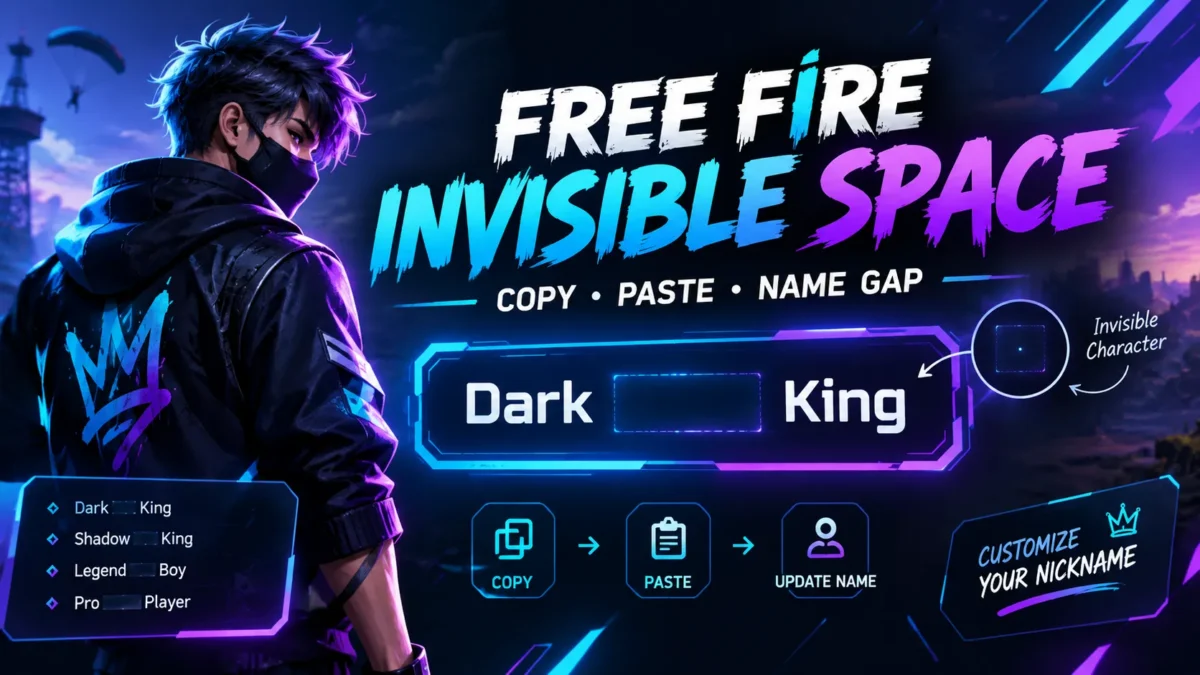
Free Fire Invisible Space: How to Add a Blank Gap to Your Name
Trying to put a space between two words in your Free Fire nickname, but the normal space from your keyboard disappears? You are not the only one.
Free Fire players commonly use an invisible Unicode character when they want a visible-looking gap without using the ordinary keyboard space. The character itself does not look like a normal letter or symbol, but it is still a real character that can be copied and pasted into a name field.
In this guide, you will learn how the Free Fire invisible space works, how to copy one, where to paste it, how to create a blank-looking name, and what to try if Free Fire does not accept it.
Free Fire Invisible Space — Copy It Here
Copy the invisible character below and paste it into your Free Fire nickname:
ㅤ
Invisible space: U+3164 (Hangul Filler)
If the character above is difficult to copy, use our dedicated Free Fire Invisible Space Copy Tool. It gives you one-tap copy options and lets you build a name before putting it into the game.
What Is a Free Fire Invisible Space?
A Free Fire invisible space is a Unicode character that can appear blank while still being treated as text. That is different from pressing the ordinary spacebar.
The character currently used by our tool is U+3164, known as Hangul Filler. It can be copied like any other piece of text, even though there is little or nothing visible on screen.
This is why the trick can be useful for Free Fire names. Instead of entering:
Dark King
with a normal keyboard space, you can place an invisible character between the two parts:
DarkㅤKing
To your eyes, the character looks like an empty gap. Technically, however, something is still present in the nickname.
Unicode characters are handled by software according to their character definitions, and different games or updates can decide which characters their name fields accept. So an invisible character should not be treated as a permanent Free Fire feature. Compatibility can change after a game update.
Why Does a Normal Space Not Work in a Free Fire Name?
A regular keyboard space and an invisible Unicode character are not the same thing.
When you type a normal space into a nickname field, the game may remove, trim, or otherwise reject it. This is why a name that looks like Dark King can become DarkKing when you try to save it.
An invisible Unicode character gives the name field an actual character instead of an ordinary whitespace character. If that character is accepted by the current version of Free Fire, it can create the gap you were looking for.
This is also why copying the character is easier than trying to type it from a phone keyboard. You normally cannot see it well enough to enter it manually.
How to Copy an Invisible Space for Free Fire
Follow these steps if you only need an invisible space to paste into your nickname.
- Copy the invisible character from the box above, or open the Free Fire Invisible Space Copy Tool.
- Open Free Fire or Free Fire MAX on your device.
- Go to your profile and open the nickname editing option.
- Place the cursor where you want the gap.
- Paste the invisible character.
- Check the name carefully before confirming the change.
If you want a gap between two words, type the first part of your name, paste the invisible character, and then type the second part.
For example:
Dark + invisible space + King
Result:
DarkㅤKing
The character between the two names is the invisible part.
How to Make a Blank-Looking Free Fire Name
If your goal is not a gap between words but a nickname that appears blank, the same basic idea can be used by placing an invisible character in the name field instead of visible letters.
However, there is an important difference between a blank-looking name and a genuinely empty name.
A genuinely empty field contains no characters. An invisible name still contains one or more Unicode characters; they simply do not appear like ordinary letters on the screen.
If Free Fire rejects the character by itself, do not keep spending diamonds repeatedly to test random combinations. First test the character in the nickname field and make sure the game accepts the name before confirming the change.
How to Put an Invisible Space Between Two Words
This is probably the most useful way to use an invisible space if you want to keep a readable nickname.
Suppose your desired name is:
Shadow King
Instead of using the ordinary keyboard space, create it like this:
ShadowㅤKing
The process is simple:
- Type Shadow.
- Paste the invisible space.
- Type King.
- Preview the complete nickname.
- Only save it once you are satisfied with the result.
This is especially useful when the normal space gets removed from the nickname field.
Can You Use Invisible Space in Free Fire MAX?
The same general copy-and-paste method can be tried in Free Fire MAX. However, character acceptance is controlled by the game’s current nickname validation, so compatibility should always be checked against the version you are actually using.
Our invisible-space tool was tested with Free Fire OB55 and Free Fire MAX in September 2026 across Android, iOS, and emulators.
That testing is useful as a current reference, but it should not be interpreted as a guarantee that every future update will accept the same Unicode characters.
Invisible Space Characters Used for Free Fire
There is not just one Unicode character that can look blank. Different characters have different Unicode code points and can behave differently depending on the game, device, font, and validation system.
| Character | Unicode | Typical use |
|---|---|---|
| Hangul Filler | U+3164 | Invisible-looking name gap |
| Halfwidth Hangul Filler | U+FFA0 | Smaller blank-looking gap |
| Braille Blank | U+2800 | Alternative blank character |
| En Quad | U+2000 | Visible-width spacing |
| No-Break Space | U+00A0 | Alternative whitespace character |
Our current Free Fire tool uses U+3164 as the primary character and provides additional characters for situations where another option is needed.
What If the Invisible Space Is Not Working?
If you pasted the character but nothing seems to happen, do not immediately assume the character is useless. There are several different things that can cause the problem.
1. The clipboard did not copy the character
Because an invisible character looks empty, it is difficult to visually confirm whether it was copied.
Return to the copy tool and copy it again. Then paste it directly into the nickname field.
2. Your phone changed the pasted text
Some device keyboards and clipboard systems can modify text when it is copied between apps.
If direct pasting does not work, try this:
- Copy the invisible character.
- Open your Notes or another plain-text app.
- Paste the character there.
- Copy it again from the note.
- Paste it into Free Fire.
This can help when the clipboard is behaving differently between your browser and the game.
3. Free Fire rejects that character
Character compatibility can change. If U+3164 is rejected, test one of the alternative characters available in the invisible space tool.
Do not assume that every invisible Unicode character will work in every version of Free Fire. A character that works on one device or update may behave differently elsewhere.
4. You see a box instead of an empty-looking character
If you see a square or replacement symbol, the problem may be related to how the character is rendered rather than whether the character exists.
Try another character from the tool and preview the result before saving your nickname.
5. Your nickname is already taken
A blank-looking nickname is not necessarily unique simply because you cannot see the characters. Two names can look identical to a person while containing different Unicode characters or different numbers of characters.
If the game says the nickname is already taken, try building a slightly different combination instead of repeatedly submitting the exact same invisible character.
Can You Use Invisible Space in a Free Fire Bio?
Invisible characters can also be useful when formatting text outside the nickname field, depending on what the particular Free Fire field currently accepts.
For example, players may want extra visual separation between parts of a profile description. Instead of adding several ordinary spaces, an invisible Unicode character can sometimes create a different spacing result.
The important point is that name fields, bios, chats, and guild fields do not necessarily have identical validation rules. A character working in one field does not automatically guarantee that it will work in another.
Can You Use Invisible Space in a Free Fire Guild Name?
If the current guild-name field accepts the character, you can use the same copy-and-paste approach to create spacing or a blank-looking portion of a guild name.
Before confirming a guild name, preview it carefully. Guild names are shared with other players, so an invisible character can make a name difficult to distinguish when several names look similar.
Is an Invisible Space a Hack?
An invisible Unicode character is not the same thing as modifying Free Fire’s game files or installing a modified game client.
The technique works by copying text and pasting a Unicode character into a text field. The important limitation is that character acceptance is controlled by the game’s current systems. A Unicode character being accepted today does not mean it is guaranteed to remain accepted after a future update.
For that reason, avoid websites or apps that tell you to install an unofficial APK, modify game files, provide your login details, or use a supposed “invisible name hack.” You do not need those things just to copy a Unicode character.
Garena also warns players about websites and offers that request account credentials or promise free in-game items, because these can be used in scams.
Do You Need an App to Copy Free Fire Invisible Space?
No. You can copy the character directly from a webpage using your phone or computer.
There is no reason to install a separate keyboard, APK, or modification simply to obtain an invisible Unicode character.
If you want to create several spaces or test different characters, using a dedicated browser-based tool is more convenient because you can copy each option and preview your name before entering it into the game.
You can use our Free Fire Invisible Space Copy Tool to copy the main character, test alternatives, generate multiple spaces, or build a complete nickname.
Free Fire Invisible Space vs Normal Space
| Feature | Normal Space | Invisible Unicode Space |
|---|---|---|
| Visible on screen | Usually appears as a normal gap | Can appear blank |
| Can be typed from a keyboard | Yes | Usually copied and pasted |
| Unicode character | U+0020 | Examples include U+3164 and others |
| Useful for special nickname formatting | May be removed or rejected | Can work when accepted by the game’s validation |
| Guaranteed after updates? | No | No |
Before You Change Your Free Fire Name
There is one practical mistake worth avoiding: testing random names after you have already opened the paid nickname-change screen.
Build your name first.
For example, if you want:
亗 ShadowㅤKing 亗
prepare the complete text outside the game, copy it, and then paste it into the nickname field. This gives you an opportunity to check the spacing before confirming the change.
Our name builder can be useful for this because you can insert the invisible character into your name and copy the finished result instead of constructing it character by character inside Free Fire.
Why Does My Invisible Name Look Different on Another Phone?
Invisible characters are still Unicode characters, and the way a character is rendered can depend on the software displaying it.
That means two players may look at the same character and see slightly different results. One device may render it as an empty area while another may show a replacement box or a different amount of spacing.
This is another reason to test the final nickname in Free Fire itself rather than relying only on how it looks in your browser.
Frequently Asked Questions
What is the Free Fire invisible space code?
The primary invisible character used by our current tool is U+3164 (Hangul Filler). You can copy it from the tool and paste it into your Free Fire nickname.
How do I copy an invisible space for Free Fire?
Use the invisible character copy box on this page or open our Free Fire Invisible Space Copy Tool. Tap the copy option and then paste the character into the desired Free Fire field.
How do I add a space between two words in my Free Fire name?
Type the first word, paste the invisible Unicode character, and then type the second word. For example, DarkㅤKing.
Can I make my Free Fire name look blank?
You can try using an invisible Unicode character as the nickname content, but acceptance depends on the current Free Fire nickname validation. A blank-looking name is not technically an empty name because it contains a Unicode character.
Does invisible space work on Free Fire MAX?
The method can work on Free Fire MAX, and our current tool was tested on Free Fire MAX in September 2026. However, compatibility can change with updates, so test the character before confirming a name change.
Can I use an invisible space on Android?
Yes. Copy the character from your browser and paste it into the Free Fire nickname field. If the clipboard does not preserve it, try copying it through a plain-text Notes app first.
Can I use an invisible space on iPhone?
You can try the same copy-and-paste method on iPhone. If the character is not preserved correctly, recopy it from the tool and paste it directly into the game or through a plain-text note.
Why is my invisible space showing as a box?
A square can indicate that the character is not being rendered as expected on your device or in that field. Try one of the alternative characters provided by the tool rather than repeatedly using the same character.
Is the invisible space free?
The Unicode character itself is free to copy. Any cost associated with changing your in-game nickname is separate and depends on the current Free Fire account and game system.
Can I use invisible space in my Free Fire bio?
You can try it in the bio field, but bio and nickname validation are not necessarily identical. Test the character in the exact field where you want to use it.
Will an invisible space always work in Free Fire?
No character should be described as permanently guaranteed. Free Fire can change its nickname validation and supported characters through future updates. Our current tool reflects testing performed in September 2026.
Try the Free Fire Invisible Space Tool
If you only need one character, you can copy the invisible space from this article and paste it into Free Fire.
If you want more control, use our Free Fire Invisible Space Copy Tool.
With the tool, you can:
- Copy an invisible space with one tap.
- Try different invisible Unicode characters.
- Generate multiple spaces.
- Insert an invisible space into your own nickname.
- Preview your name before copying it.
Tip: If your goal is simply to create a clean gap in your nickname, start with one invisible character rather than filling the entire name with invisible characters. It keeps the name easier to identify while still giving you the spacing effect.
Final Takeaway
A Free Fire invisible space is not a secret keyboard button or a special game hack. It is a Unicode character that can look blank while still being treated as text.
The useful part is the copy-and-paste workflow: copy the character, place it exactly where you want the gap, preview the finished nickname, and only then confirm the change.
Because Free Fire’s text validation can change over time, treat compatibility as something to test rather than something permanently guaranteed. If the main character does not work, use the alternative characters in the tool and test the result before saving your name.
→ Copy Free Fire Invisible Space & Build Your Name
Last checked: September 2026. Free Fire is a trademark of Garena International. KillarNation is an independent fan site and is not affiliated with or endorsed by Garena.