
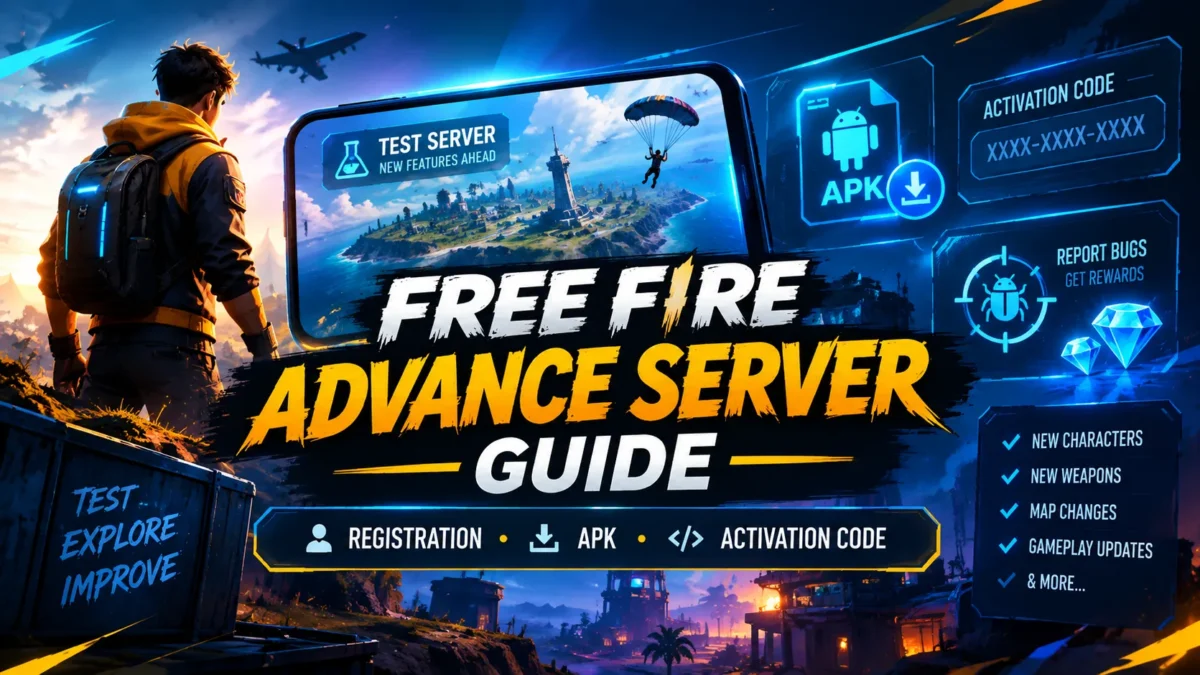
Free Fire Advance Server Guide – Registration, APK, Activation Code & Bug Hunter
The Free Fire Advance Server gives players an opportunity to test upcoming Free Fire features before they are introduced to the regular game. It is used by Garena as a testing environment where players can explore unreleased changes, find bugs, and provide feedback.
But getting into the Advance Server is not simply a matter of downloading an APK. Registration, account access, activation codes, server availability, and the testing period all matter.
In this guide, you will learn how the Free Fire Advance Server works, how registration works, what an activation code means, how the APK fits into the process, how to report useful bugs, what Bug Hunter rewards are, and what to do when you cannot log in or activate the test version.
Looking for a specific OB? If you want information about a particular Advance Server cycle such as OB56, OB55, or a future OB update, visit our Free Fire Advance Server updates page. It contains separate guides for individual testing cycles.
What Is the Free Fire Advance Server?
The Free Fire Advance Server is a temporary testing version of Free Fire where selected players can try features that are not yet available in the normal game. Garena uses the Advance Server to test upcoming changes and collect feedback from players. The official Advance Server portal describes it as a program where players can test new features, help identify bugs, and provide feedback before those features become part of the regular game.
This means the Advance Server should not be treated as a permanent alternative to the main Free Fire game. It is opened for specific testing periods and can contain unfinished or experimental content.
A feature you see on the Advance Server may eventually appear in the main game, but there is no reason to assume that every experimental feature will remain exactly the same after testing.
Why Does Garena Have an Advance Server?
Large game updates can introduce new mechanics, characters, weapons, maps, interfaces, and balance changes. Testing these changes before a public release gives developers an opportunity to discover problems that may not appear during internal testing.
Advance Server players can therefore act as an additional testing group. They may find unusual interactions, visual problems, crashes, balance issues, or other bugs while using the new features.
The useful part is not simply playing the unreleased version. The real purpose is testing and reporting useful information.
How the Free Fire Advance Server Works
Although details can change between OB cycles, the general process follows the same pattern.
- Garena opens an Advance Server registration period. Players can register for the particular testing cycle through the official portal.
- Players log in and submit their registration. The available login options and required information are shown on the official registration page.
- Access is controlled. Registration does not mean that everyone receives unrestricted access.
- An activation code may be required. The official portal states that activation codes are limited and are required for access to the Advance Server.
- The test APK becomes available. Players who have access can install the testing client during the relevant period.
- Players test upcoming features. This is where new gameplay systems, characters, weapons, modes, and other changes can be explored.
- Bugs and feedback can be reported. Useful reports can help identify problems before wider release.
- The testing cycle ends. The Advance Server is temporary, so access does not remain available indefinitely.
Free Fire Advance Server Registration
Registration is the first step if you want to participate in an Advance Server cycle. However, the registration page and exact requirements can change between testing periods.
How to Register for Free Fire Advance Server
- Open the official Free Fire Advance Server portal.
- Log in using one of the account options provided by Garena.
- Use the account associated with your Free Fire profile where required.
- Enter the requested information, including an active email address if the registration page asks for one.
- Submit the registration form.
- Return to the official portal during the testing period to check whether access or activation information has become available.
Registration should always be completed through the official Advance Server website. Avoid websites that ask you to enter your Facebook, Google, Free Fire, or email password in exchange for an activation code.
How to Get a Free Fire Advance Server Activation Code
The Free Fire Advance Server activation code is one of the most searched parts of the testing process.
An activation code is used to control access to the Advance Server. Garena’s official portal specifically notes that activation codes are limited.
Because codes can be limited, seeing an activation-code field does not mean that there is a legitimate public code generator available online.
Can You Generate an Advance Server Code?
No legitimate third-party tool should be treated as an official Free Fire Advance Server code generator.
Be especially careful with websites or videos claiming that you can generate unlimited working activation codes by entering your Free Fire login details, UID, password, verification code, or payment information.
The safest approach is to use the official registration process and follow the access information provided by Garena for the relevant testing cycle.
Why Does My Activation Code Not Work?
An activation code may fail for several reasons. For example:
- The code is incorrect.
- The code has already been used or is no longer valid.
- The testing cycle is closed.
- The account does not have the required access.
- The Advance Server is temporarily unavailable.
- The code belongs to a different testing cycle.
Before looking for another code, check whether the current Advance Server cycle is actually open.
Free Fire Advance Server APK: What You Need to Know
The Advance Server uses a separate test client rather than simply turning your normal Free Fire installation into the testing version.
When an APK is available for an Android testing cycle, download it only from a source you can verify as official. Avoid modified APKs, repacked applications, APKs claiming to remove activation requirements, and files distributed through suspicious websites.
Is the Advance Server APK the Same as Free Fire?
No. The purpose of the Advance Server is to provide a testing environment for upcoming content. The version, available features, and access rules can therefore differ from the normal game.
Does Installing the APK Give You Access?
Not necessarily.
This is an important distinction: APK installation and Advance Server access are not the same thing.
You can have the correct test application installed and still be unable to enter if the testing cycle is closed, your account does not have access, or an activation code is required and unavailable.
How to Install Free Fire Advance Server on Android
The exact installation process can vary slightly depending on the Android version and the testing release, but the general process is straightforward.
- Register for the relevant Advance Server cycle.
- Confirm that the testing server is open.
- Obtain the official test APK when it becomes available.
- Download the APK to your Android device.
- Install the application according to Android’s security prompts.
- Open the Advance Server application.
- Enter the required activation information if prompted.
- Log in using the account associated with your Advance Server access.
If Android reports a parsing, installation, compatibility, or package error, first verify that you downloaded the correct file and that the file was not corrupted.
Free Fire Advance Server Android Requirements
Advance Server availability is primarily associated with the testing client released for the supported platform and cycle. Requirements can change, so do not rely on an old APK guide for a new OB update.
Before installing a test build, make sure your device has:
- Enough free storage space for the APK and game resources.
- A stable internet connection.
- A compatible Android version.
- Enough available RAM for the test client.
- A reliable source for the APK.
The file size and device requirements can change between Advance Server versions.
Free Fire Advance Server vs Normal Free Fire
Purpose
Testing upcoming content
Regular gameplay
Availability
Limited testing periods
Regularly available
Features
Experimental or upcoming features
Released game content
Access
Controlled
Normal game access
Bug reporting
Important part of testing
Normal support/reporting channels
Stability
Can contain testing bugs
Production version
What Can You Find on the Advance Server?
The content available depends on the particular OB testing cycle. That is why our individual Advance Server pages are separated by update.
Depending on the cycle, players may discover things such as:
- New characters
- Character abilities
- Weapons and weapon adjustments
- New game modes
- Map changes
- Gameplay mechanics
- Interface changes
- Balance changes
- New events or systems
- Experimental features
- Bug fixes and new bugs
Some of these changes can be modified before the corresponding OB update reaches the main game.
For cycle-specific information, see our Free Fire Advance Server archive, where individual OB testing guides are listed.
How to Report Bugs on Free Fire Advance Server
Bug reporting is one of the most useful things an Advance Server tester can do. Finding a bug is only the first step; a useful report should give enough information for someone else to understand and reproduce the problem.
A Good Bug Report Should Include
- What happened?
- Where did it happen?
- Which feature was involved?
- What steps caused the problem?
- Did it happen once or repeatedly?
- Can you reproduce it?
- What device were you using?
- Can you provide screenshots or video if requested?
Example of a Useful Report
Instead of writing:
“The new character is broken.”
A better report explains exactly what happened:
“After activating the character ability near the edge of the zone, the movement animation stopped and the character could not move for several seconds. The problem happened three times using the same sequence.”
Specific reproduction steps are much more useful than a general complaint about lag or gameplay.